
ppt-master: Editable PowerPoint From Any Document, Built by an Agent
ppt-master is the 38k-star open-source project that turns any document into a real, editable PowerPoint — native shapes and animations, not slides-as-images. Here's what it is, how the agent workflow works, an honest look at where it fits among the Claude PPT skills, and where an agent-native design workspace picks up when a one-off deck isn't enough.

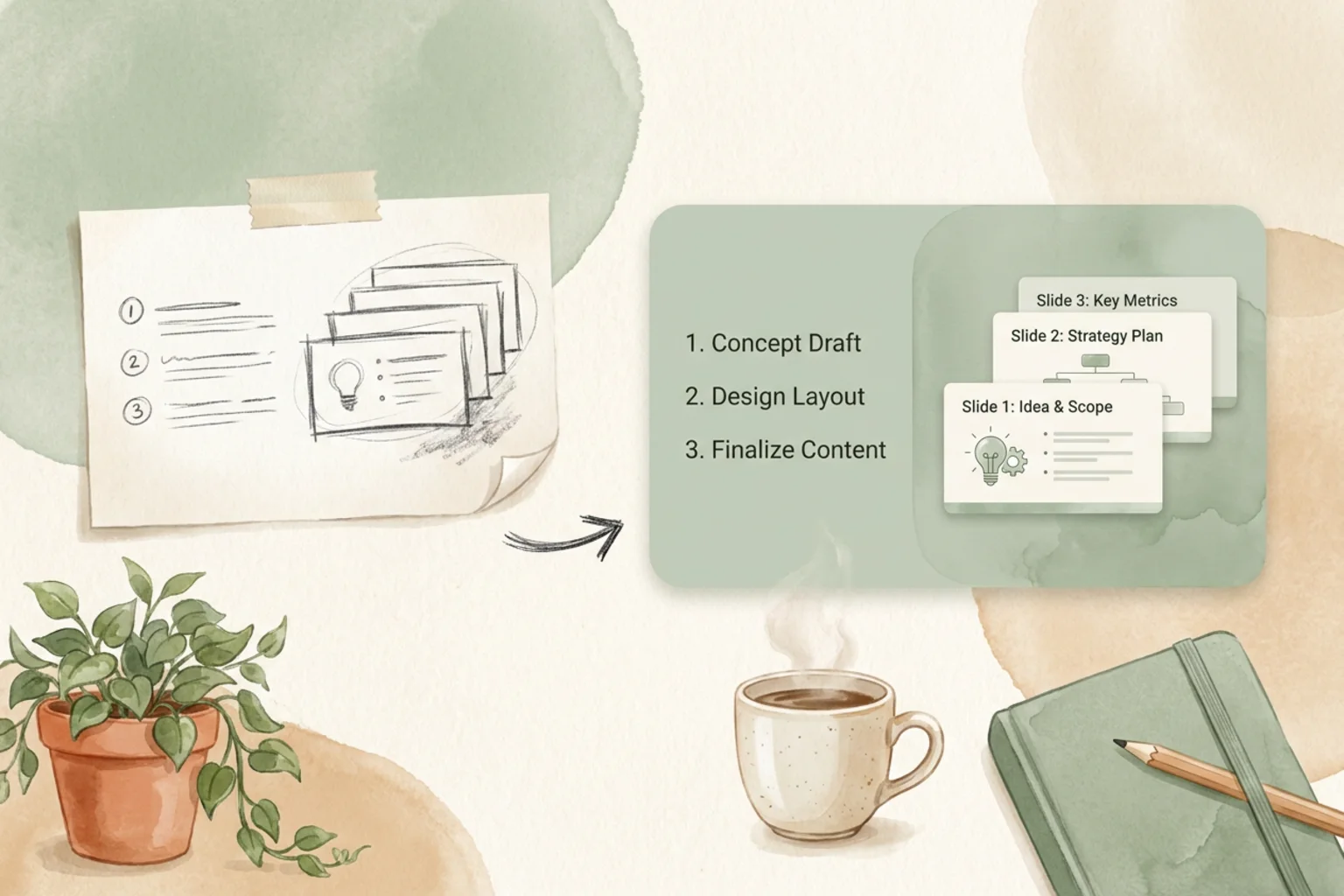
“Can I turn this doc into a PowerPoint I can actually edit?” is a fair thing to want, and most AI slide tools quietly fail it — they hand you a picture of a deck, or a browser page you present but can’t drop into PowerPoint. ppt-master is the open-source project that takes the question literally. Point it at a document and an agent workflow produces a genuine .pptx with native shapes and animations — the kind of file a colleague can open in PowerPoint and move a box around in.
That single property is why it has drawn 38k GitHub stars and why it belongs in the same conversation as the Claude PPT skills. This is an honest guide to what ppt-master is, how it works, where its differentiator actually matters, and where a broader design workspace takes over when the deck needs to outlive one prompt.
What ppt-master is
ppt-master (GitHub hugohe3/ppt-master, MIT-licensed, homepage at hugohe3.github.io/ppt-master) is an agent-driven tool that converts documents into editable PowerPoint files. You feed it source material — notes, a report, a spec, an outline — and it runs an agent workflow that plans the deck, lays out slides, and emits a real .pptx. It sits alongside the coding-agent PPT skills in the open-source, agent-native slide space, but it’s shaped more like an app or workflow than a single drop-in skill.
Editable .pptx with native shapes — the differentiator
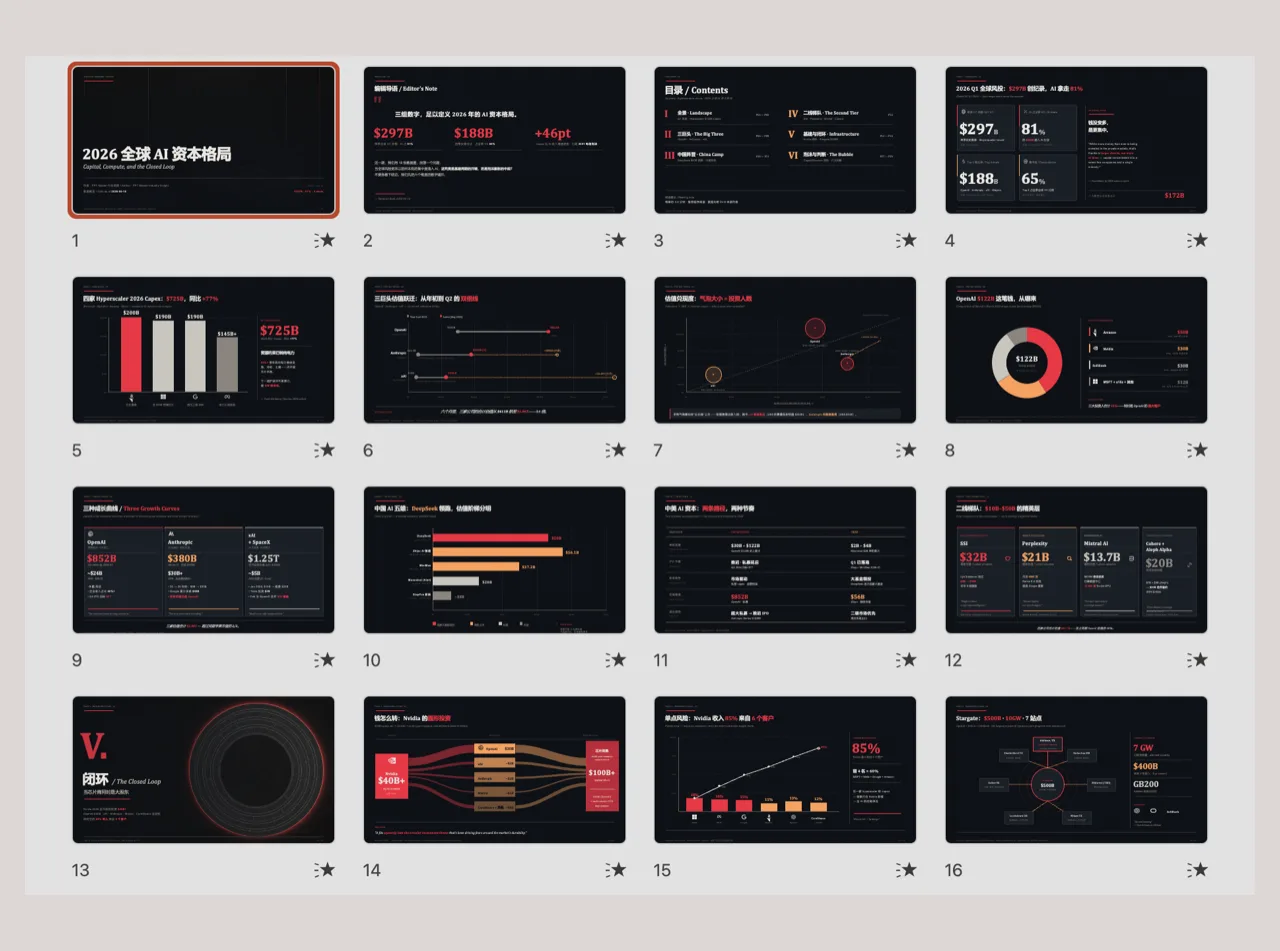
Here’s the line that separates ppt-master from most of the field. A lot of “AI PPT generator” tools export slides that look like PowerPoint but are really images — a rendered picture per slide, or an HTML page you present in a browser. You can’t select the title, retype a bullet, or nudge a shape; you can only regenerate.
ppt-master produces the real thing: a .pptx built from native PowerPoint objects — text boxes, shapes, and animations that PowerPoint understands as first-class elements. Open it and every piece is editable, by anyone, no code and no special app required. When your deliverable has to be a file a non-developer can still change — and change in PowerPoint — that genuine editability is the whole reason to reach for ppt-master.
How it works
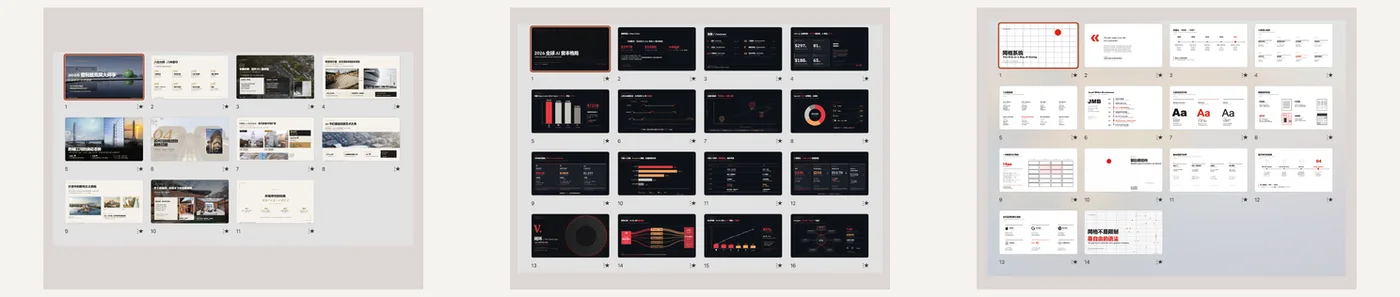
The flow is short:
- Give it a document — notes, a report, an outline, or any source text you want turned into a deck.
- The agent workflow runs — it plans the narrative, structures slides, and lays out native shapes, text, and animations.
- You get an editable
.pptx— a real PowerPoint file with native objects, ready to open and edit like any deck you built by hand.
Honest notes
A couple of things worth being straight about. ppt-master is MIT-licensed, which is about as permissive as open source gets — friendly if you ever want to build on it or fold it into your own tooling. And it’s more of an app/workflow than a single “skill”: rather than a one-file SKILL.md you clone into a coding agent’s skills directory, it’s a document-to-deck pipeline you run. That’s not a knock — it’s the right shape for its job — but it’s a different setup and mental model than the plug-in skills, so calibrate expectations accordingly.
ppt-master vs the Claude PPT skills
Where it lands next to the coding-agent skills, on the dimensions that actually decide your pick:
| Tool | Output | Editable .pptx | License | Best for |
|---|---|---|---|---|
| ppt-master | Editable PowerPoint | Yes — native shapes | MIT | A real .pptx you can edit in PowerPoint |
| dashiAI | Editable presentation | In-browser editable | AGPL-3.0 | Output a non-developer can tweak |
| frontend-slides | HTML web slides | No | MIT | Web-native decks, full CSS control |
| OpenDesign | Prompt → editable, on-brand | Yes, via your agent | Apache-2.0 | On-brand decks inside a real design workspace |
No single winner — it turns on the output you need (a true .pptx vs. HTML), whether native-editability is a hard requirement, and the license you can live with. If editable native PowerPoint is non-negotiable, ppt-master is the closest open-source answer.
Where OpenDesign fits
ppt-master is purpose-built for one job — document in, editable .pptx out — and it’s the strongest open-source option when that native-editable file is the hard requirement. It’s genuinely good at that, and this isn’t a nudge to use something else for it.
OpenDesign sits a layer wider. It’s an open-source (Apache-2.0), local-first, bring-your-own-key Agent-Native Design Workspace — not a single document-to-deck converter but a place where decks and design work stay on-brand against a design system, across the coding agent you already use. Where ppt-master turns a document into a deck, OpenDesign is for the case where the deck is one artifact among many that all have to look like they came from the same team. It ships first-party HTML deck templates in its plugin library, and it plugs into your existing agent rather than being a separate app. Use ppt-master when you need a real, editable PowerPoint out of a document; reach for a workspace when the deck has to stay consistent and live alongside the rest of your design work.
FAQ
Does ppt-master make editable PowerPoint? Yes — that’s its whole point. It outputs a real .pptx built from native PowerPoint objects (shapes, text, animations), so anyone can open and edit it in PowerPoint, no code required. This is unlike tools that export slides as images or browser-only HTML.
Is ppt-master free and open source? Yes. It’s open source under the MIT license — one of the most permissive around — and free to use. You bring your own model key.
Is ppt-master a Claude skill? Not exactly. It’s more of an agent-driven app or workflow than a single clone-in skill like frontend-slides or dashiAI. It lives in the same agent-native, open-source PPT space, but you run it as a document-to-deck pipeline.
What does ppt-master do differently from other AI PPT generators? It produces genuinely editable .pptx files with native shapes and animations, instead of slides-as-images or non-editable HTML. If native PowerPoint editability is your hard requirement, that’s the differentiator.
Should I use ppt-master or a design workspace? Use ppt-master when the deliverable is a single editable PowerPoint from a document. Use an agent-native workspace like OpenDesign when the deck needs to stay on-brand against a design system and live alongside the rest of your design work.
The takeaway
ppt-master answers a question most AI slide tools dodge: it turns a document into a real, editable PowerPoint — native shapes, native animations, MIT-licensed, no strings. If an editable native .pptx is the hard requirement, it’s the closest open-source option there is, and it’s worth knowing about next to the Claude PPT skills, dashiAI, and codex-ppt-skill. And when one deck grows into a body of design work that all has to stay on-brand, that’s where an Agent-Native Design Workspace picks up.